How do I find the right answer page?
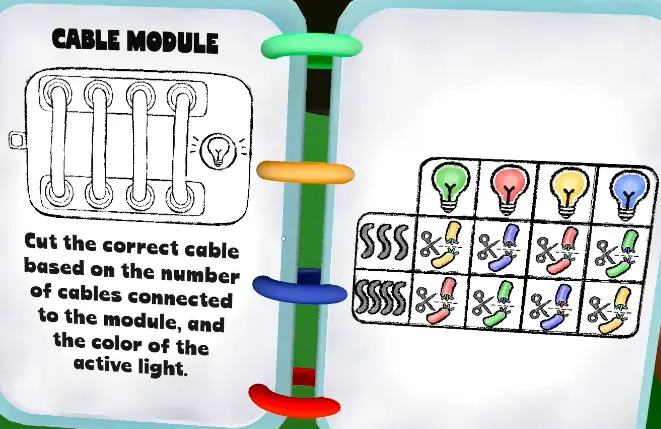
Name the visible module first, then note colors, symbols, numbers, sounds, lights, or sliders. Open the matching guide below and solve one module at a time.
🧩 Fast route: identify the panel → 📖 open its guide → 🔁 repeat the answer → ✅ act only after confirmation.
| Module | Guide |
|---|---|
| Wire / cable | Wire answers |
| Direction / dot | Direction answers |
| Calculator | Calculator solver |
| Piano | Piano guide |
| Soundboard | Soundboard guide |
| Switch | Switch answers |
| Symbol | Symbol answers |
What is the safe solving loop?
Name the module, read every visible clue in a fixed order, let the interpreter apply the matching rule, and repeat the final input before acting. The keyframe helps identify the panel; the linked module page gives the exact procedure for that module.
What should every module answer page include?
Each module page should answer four questions: what is visible, what information must be repeated to the interpreter, what action is entered, and what to do after a failure. This structure is more reliable than copying an isolated answer because later stages can change the values or sequence. | Chaos | Chaos module guide |
How should the team identify a module?
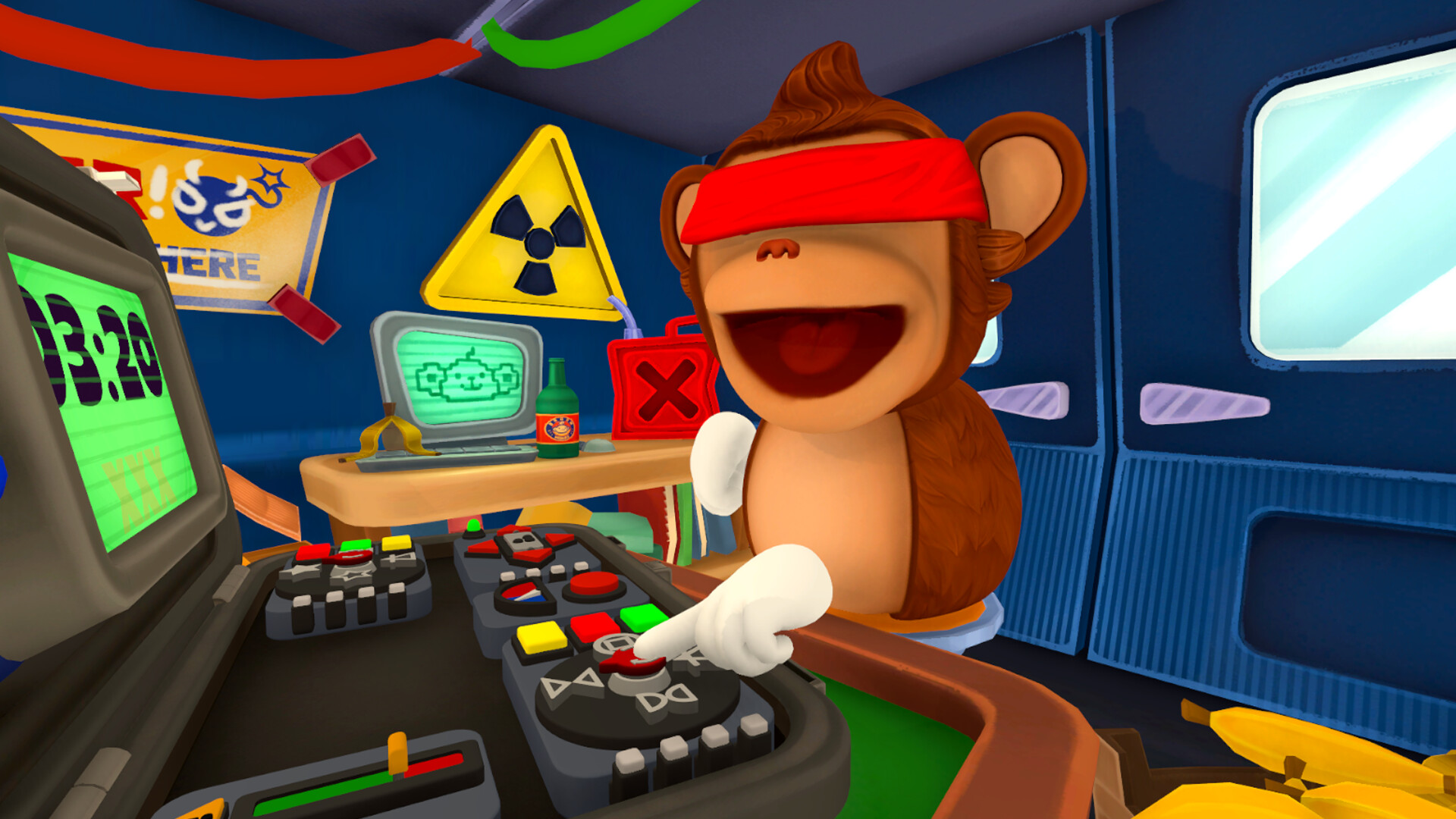
Start with the panel title or its most distinctive control, then confirm the stage before anyone calls an answer. A wire or cable panel is read as a set of visible connections; a direction panel is read as the displayed symbols or dots; a calculator combines an equation, operator, and LED value. Piano and soundboard panels depend on ordered audio or visual cues, while switch and symbol panels depend on the current state of several controls. Chaos is treated as a changing state rather than a single static answer.
What information should be passed to the interpreter?
Use a fixed callout so the interpreter can build a complete picture without guessing:
| Callout part | What to say |
|---|---|
| Module | The panel name and stage, if visible |
| Position | Left-to-right or top-to-bottom order |
| Clue | Colour, symbol, number, sound, or connection |
| Requested action | Which control should be pressed, moved, or selected |
| Confirmation | Read the final input back before submitting |
If a value changes, repeat the entire row instead of saying only “new one.” This prevents an old clue from being combined with a new stage.
What is the safest recovery after a mistake?
Pause, record the failed state, and reread the complete panel. Do not continue from memory: a reset may alter the order, indicator, or available control. Mark the old note as failed, capture the new state in the same callout format, and ask the interpreter to confirm the revised action. This procedure gives every module page a practical answer even when a video demonstrates only one puzzle instance.