Quick answer
🎨 Callout builder
Colour slider board
Record the requested positions and read back the full board; the live manual supplies the final move.
Color Slider is an Easy defusal module. It presents coloured sliders and the instruction is direct: move each slider up or down according to its colour. The reference lists a 4 × 2 footprint and a first fixed appearance at Level 2.
| Field | Reference answer |
|---|---|
| Difficulty | Easy |
| Module type | Defusal |
| Panel footprint | 4 × 2 grid |
| First fixed campaign appearance | Level 2 |
| Fixed campaign appearances | Levels 2, 3, 4, 5, and 6 |
The colour is the instruction key: identify each slider’s colour, consult the current colour rule, and move it up or down to the requested stop. If the panel does not match the example, record the colour and target from the live manual rather than guessing a numeric position.
Two-source callout card
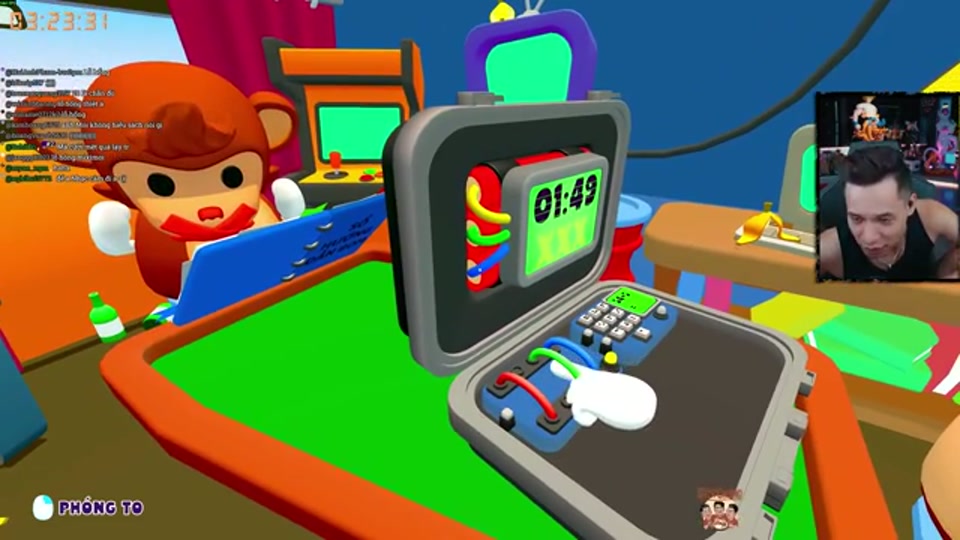
Two independent walkthroughs use the same player-facing sequence: the Mute player checks the direction for the colour, then signals it with an emoji, and the Blind player moves that slider. Both also describe the sliders as a single sequence that resets after a wrong move.
| Mute sees in the manual | Emoji signal | Blind does |
|---|---|---|
| The called colour must move down | 👎 | Move that colour’s slider down |
| The called colour must move up | 👍 | Move that colour’s slider up |
| All four directions confirmed | ✅ | Apply the four moves in the agreed order |
| Any wrong move or uncertain call | 🛑 | Stop and restart the sequence |
The emoji card is a communication shortcut, not a replacement for the colour rule. The direction still comes from the current manual; the two walkthroughs do not publish a universal colour-to-direction matrix.
Communication pattern
Deaf names the colours from the panel’s fixed reading order. Mute checks the matching manual rule and signals the target position using a simple scale such as “top, middle, bottom” or numbered stops. Blind moves only the requested slider and waits for the next call. Avoid saying “move it a little”; use a position that the player can identify by touch.
A safe solving loop
- Count the sliders and agree on their order.
- Read the current colour sequence aloud.
- Convert each colour to a target stop in the manual.
- Repeat the full sequence before the first adjustment.
- Move one slider, confirm its feedback, then continue.
If the panel resets after a mistake, restart the colour sequence rather than correcting only the last slider. This prevents a stale position from carrying into the next stage.
The Module Solver is the live practice hub for module state records. Enter the slider order, visible colours, target direction, and completion state; use it to keep the caller and operator on the same slider. It does not replace the current colour rule table.
Common mistakes and recovery
- Calling only “red” when more than one slider has that colour; add its 4 × 2 position.
- Moving several sliders before confirming the first result.
- Treating “up” and “down” as absolute screen positions after the panel changes orientation.
- Correcting a failed slider without restarting the full sequence.
For campaign context, use Level Lookup and Campaign Progression. For role ownership, see Roles.
Fixed campaign placement
The reference marks five fixed appearances, beginning at Level 2. Use Level Lookup to see the current campaign context instead of assuming every random slot contains Color Slider.
Practice and related tools
Use the Level Lookup tool to identify where harder visual modules enter the campaign. Pair this page with Direction for visual callouts and Symbol for manual-table discipline. A short YouTube gameplay search is useful for seeing the panel motion before a three-player session.