Module Solver
Choose a supported module and enter the state currently visible on the bomb. The solver performs the calculation or lookup; your team still confirms that the entered fields belong to the same panel and stage.
Quick answer
When should you use the Module Solver?
Use it after the observer has named the module, position, and current fields. Enter one complete state, read the returned action aloud, and have the operator repeat it before pressing. If the panel changes, clear the old lookup and start again.
Read
Collect the current number, color, order, or indicator.
Solve
Enter only fields from that one module state.
Confirm
Repeat the result before making one input.
Live solve
Calculator module solver
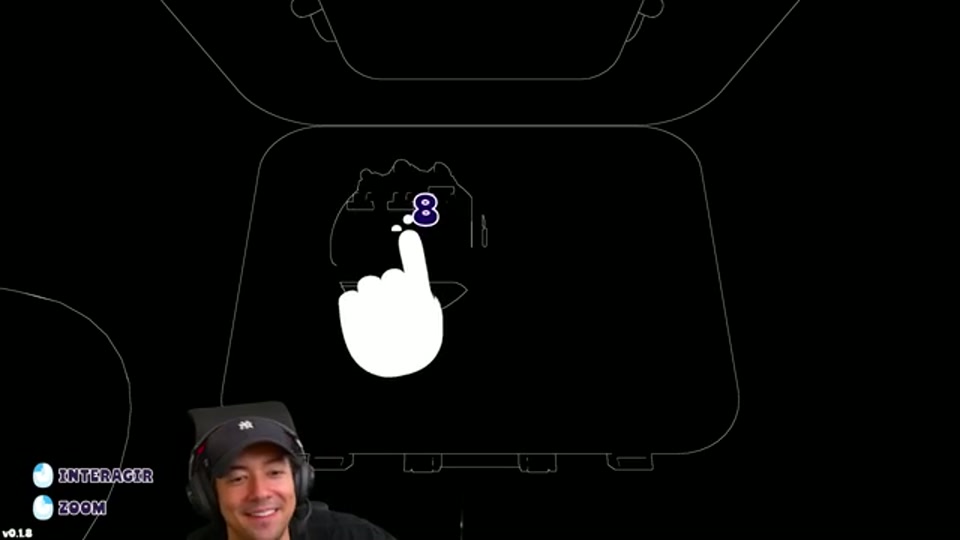
Solve the expression first. After entering the raw result in-game, select the new LED and the solver returns the final keypad digit.
Raw result
57
Enter this number first
Final key
—
Choose an LED to finish lookup
Supported workflow
- Identify the module before entering data.
- Read the fields in a fixed order.
- Keep the returned action attached to its position and stage.
- Report accepted, rejected, or reset after the input.
What the solver does not replace
It does not identify an unknown panel, update a stale observation, or override the current in-game manual. Use the puzzle guides for module-specific reading order and the roles guide for the team handoff.