Quick answer: what does Alarm do?
🚨 Reaction trainer
Alarm response board
Mark every heated button as cleared. The board makes “one left” different from “all clear.”
Heated buttons left: 3
🚨 Team cue: spot the heated buttons, clear the timer, then say ✅ clear before returning to the interrupted module.
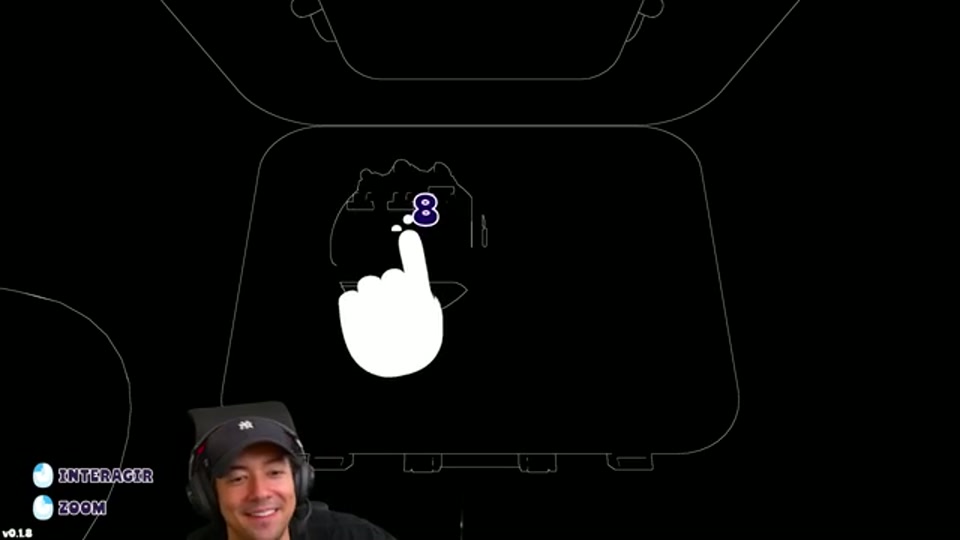
Alarm is a Chaos module. It is not solved with one final input: while the bomb is active, heated buttons appear and must be pressed before the short countdown expires. The team has about ten seconds for each set of heated buttons. Once the buttons are cleared, immediately return to the other module or communication task; another alarm can appear before the bomb is defused.
A reliable three-player callout
- Deaf says “Alarm” and reads the visible button colours or positions aloud.
- Mute confirms the matching instruction from the manual and signals a short callout rather than a long explanation.
- Blind presses every heated button in one sweep, then reports when the panel is quiet.
Do not treat the first successful press as completion. The useful callout is “clear” only after every heated button has cooled. If the timer is already running, stop solving a normal module and make the alarm the team’s shared priority.
Alarm priority and recovery
| State | Priority | Team call |
|---|---|---|
| No heated button | Continue the current module | “Alarm quiet” |
| One or more buttons active | Pause the normal input | “Alarm, position and color” |
| Button press accepted | Check for another active button | “Still active” or “Clear” |
| Timer unclear or panel reset | Stop and reread | “Rebuild current state” |
The operator should not guess which heated button is meant when more than one is visible. Read each position in a stable order, press the confirmed set, and report the result before the team returns to the interrupted module.
How to practise Alarm
Use Level Lookup to rehearse the campaign levels where Alarm is expected, then replay a run with one player assigned to watch the bomb timer. Pair this page with the roles and communication guide and the beginner guide. In Endless or Custom play, the same interruption principle matters even when the exact timing changes with the mode preset.
Common mistakes
- Pressing only one heated button and assuming the module is finished.
- Letting the communicator describe the whole bomb while the alarm timer is running.
- Forgetting to announce that the panel is clear, so the team waits for a second instruction.
- Moving the blind player to another module before the current alarm has cooled.