What is the first decision to make?

Use a three-player team and assign the information roles before the first puzzle appears. One player should describe what they can see, another should read the manual-style clues, and the third should operate the input when the team agrees.
🧩 Core cue: describe the panel, translate the rule, repeat the action, then confirm the result.
What are the core rules?
Treat every module as a communication problem first and a button problem second. Describe colors, symbols, numbers, lights, sounds, and positions in a fixed order. Repeat the final instruction before pressing, then confirm whether the module accepted it.
How should a first run be prepared?
- Confirm all three players can join the same session.
- Pick a short vocabulary for colors, directions, stages, and buttons.
- Open the puzzle index before the run.
What does the full game include?
The Steam listing identifies a 30-level handcrafted Campaign, plus Endless and Custom modes. Campaign is the clearest place to learn the role split and module vocabulary. Endless is useful for practicing recovery under pressure, while Custom runs give a regular group a way to repeat a chosen challenge.
The same listing describes online co-op for exactly three players. Plan the session around that fixed team size rather than assuming a two-player fallback. Every puzzle call should have an observer, an interpreter, and an input player, even if the people rotate those jobs between levels.
What should happen during a first run?
Use a short callout format: module name, stage or position, visible clue, requested action. The observer reports only what is visible, the interpreter translates the clue into a rule, and the operator repeats the final action before touching the controls. If an input fails, record the module and the state before trying again; a vague “the puzzle was wrong” is not enough to recover later.
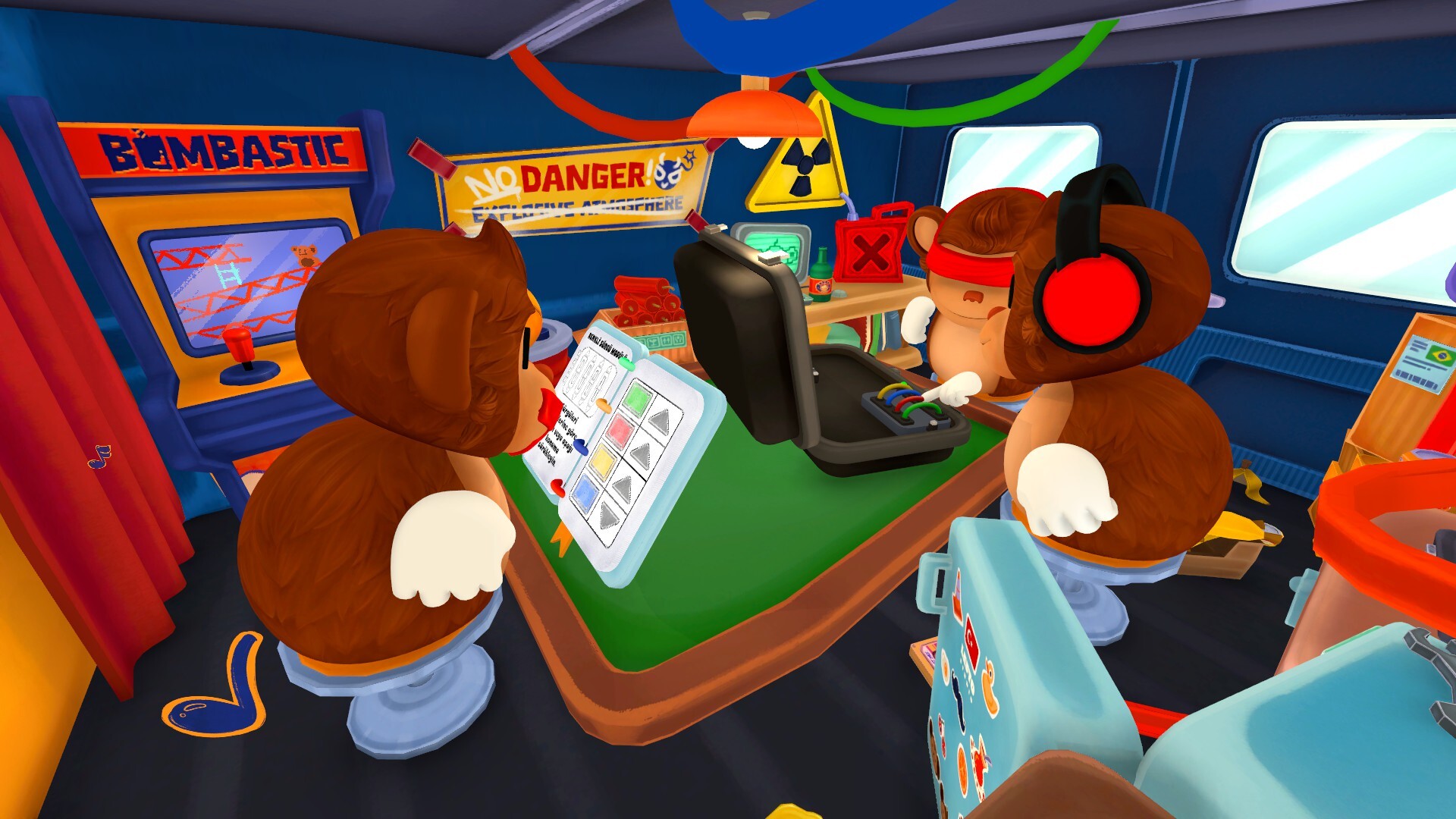
The official Steam screenshots show the intended division clearly: one player is working from the manual while another reports the physical panel. Use the screenshot as a visual reminder that the team should exchange a complete observation packet rather than pass around a guessed answer.
What should I know about the current release?
The official Steam listing describes Campaign, Endless, and Custom modes, 30 handcrafted Campaign levels, Steam Achievements, emotes and gestures, voice chat, environmental hazards, and a colourblind mode. The September 3 v1.0.1 news post separately records voice-chat fixes, a Spanish text-placement fix, and a known random-crash issue. Treat those patch notes as dated release information and recheck the current News page after an update.
What should I check before buying?
The Steam listing describes a paid PC release, Windows and macOS support, full controller support, and 300 MB of storage. The US price was $4.95 discounted from $7.99 on 2026-09-05; price and discount should be checked again before publication. The listing identifies Casual and Indie genres, so the main value is a short social puzzle session rather than a solo progression system.
A reliable first-session checklist
Before level one, confirm that all three players can hear the caller, see the same room state, and use their preferred input. Agree on the words “read,” “interpret,” “confirm,” and “submitted” so that an action is never entered while a clue is still being described. Keep a shared note open with the level, module, current stage, and last confirmed result.
Common beginner mistakes and fixes
| Mistake | Why it causes trouble | Better habit |
|---|---|---|
| Calling only a colour or number | The interpreter lacks position and stage | State module, position, clue, then action |
| Pressing during a readout | The input player may submit an incomplete rule | Wait for the explicit confirmation phrase |
| Reusing an old answer after a reset | The panel may have changed state | Reread the full panel from the beginning |
| Letting two players call actions | Conflicting instructions are easy to enter | Keep one final caller and rotate roles between levels |
Use the individual module pages for the solving method; this guide is the session-level checklist that keeps those methods usable under time pressure. 4. Use the roles guide to decide who reports, interprets, and inputs.
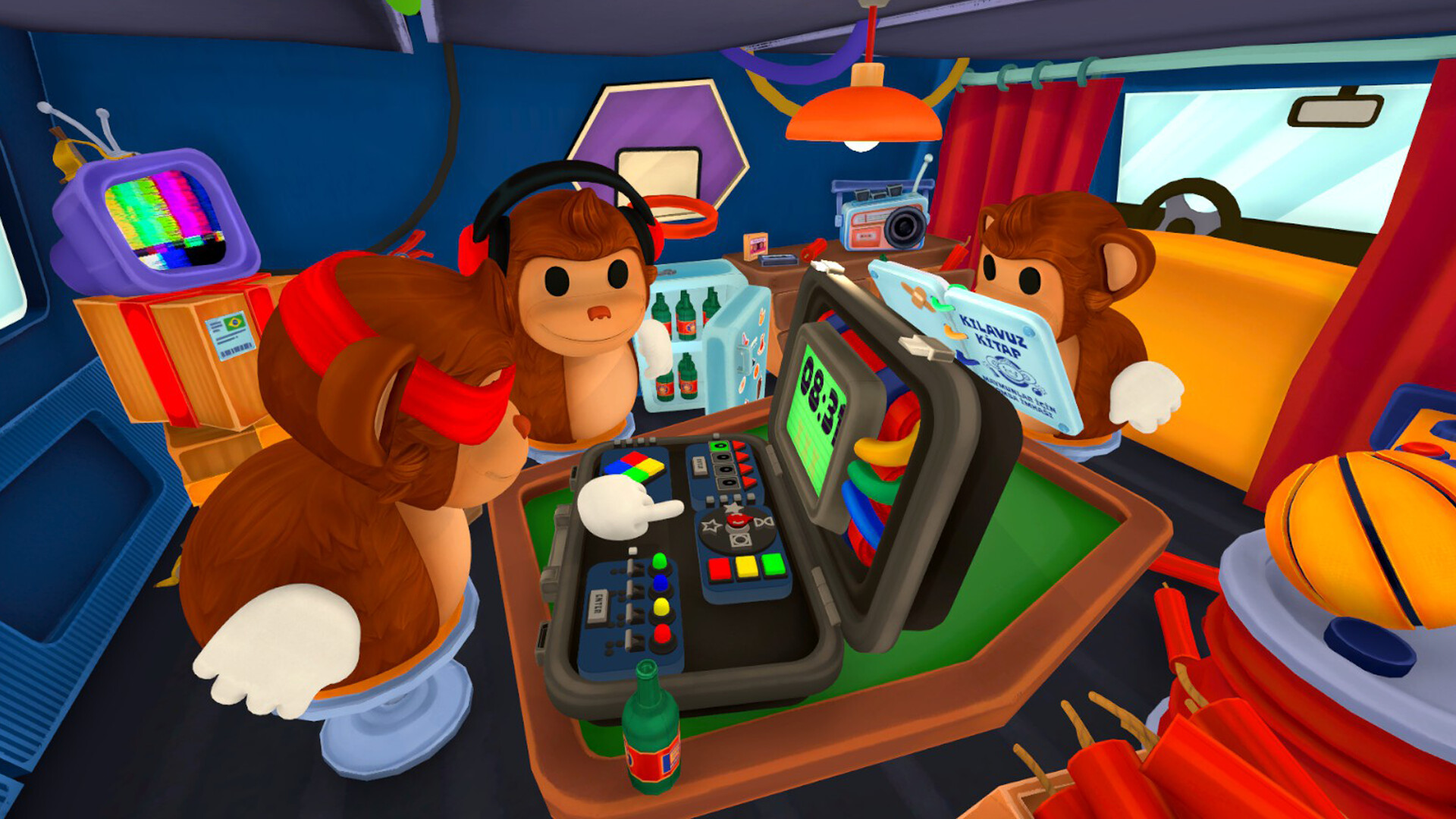
What are the most useful beginner tips?
Do not guess from a familiar-looking symbol, and do not press while another player is still describing a clue. Ask for one fact at a time and use the walkthrough only after identifying the campaign level.